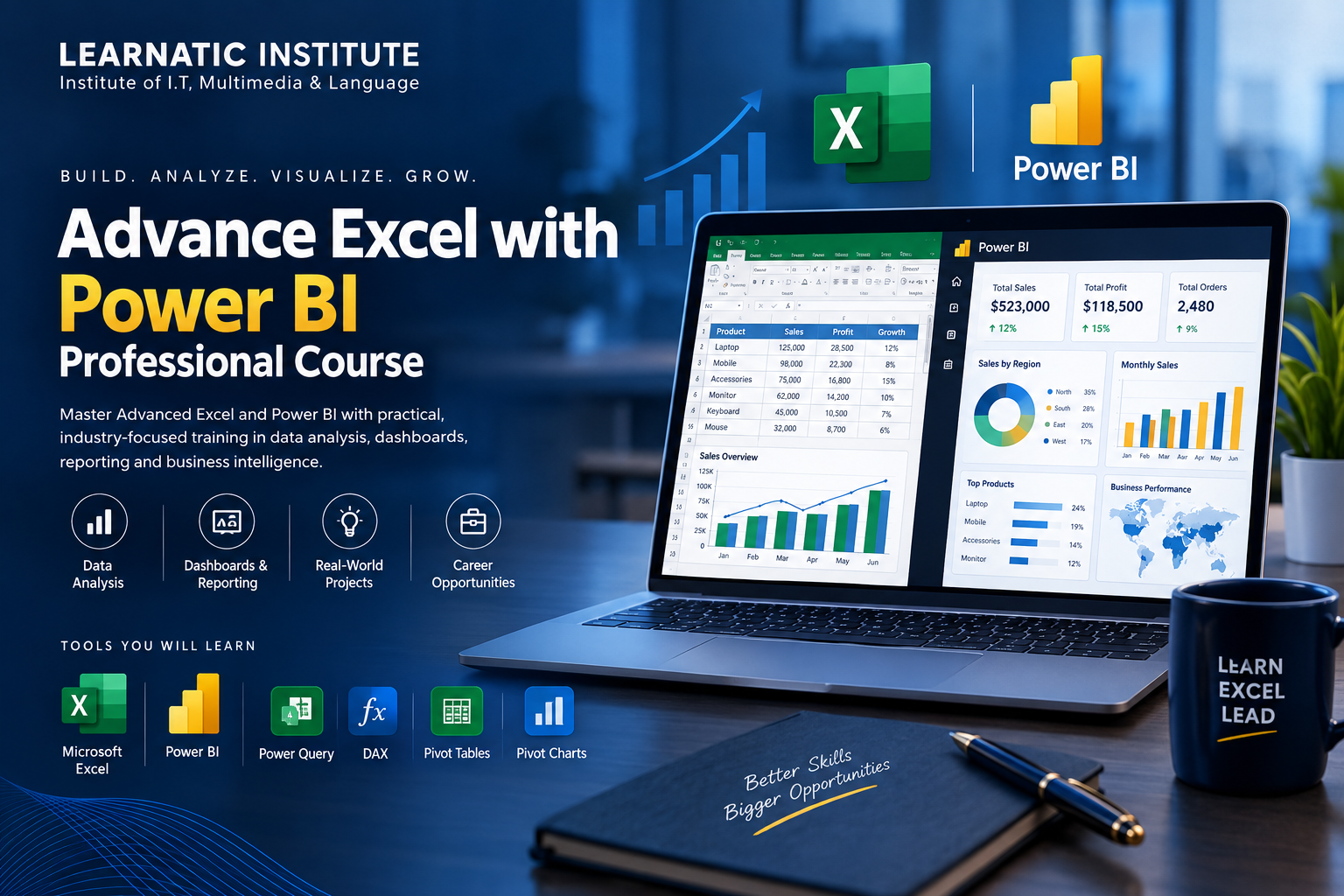
Advance Excel with Power BI Professional Course
Master Advanced Excel and Power BI with practical training in data analysis, dashboards, reporting and business intelligence.
About This Course
The Advance Excel with Power BI Professional Course is designed to develop practical skills in advanced Excel, data analysis, professional reporting, dashboard creation and Microsoft Power BI. Students learn how to transform raw data into meaningful insights and interactive dashboards.
What You'll Learn
Course Curriculum
13 Modules
- Excel advanced features
- Workbook and worksheet management
- Data management
- IF and Nested IF
- XLOOKUP and VLOOKUP
- INDEX and MATCH
- SUMIFS and COUNTIFS
- Text and Date functions
- Logical functions
- Data cleaning
- Duplicate removal
- Data validation
- Sorting and filtering
- Creating Pivot Tables
- Grouping and filtering
- Calculated fields
- Pivot Charts
- Interactive reporting
- Dashboard planning
- Charts and visualizations
- KPI reporting
- Interactive dashboards
- Business data analysis
- Performance reporting
- Trend analysis
- Management reports
- Power BI interface
- Importing data
- Data sources
- Basic visualizations
- Power Query fundamentals
- Data transformation
- Data cleaning
- Combining datasets
- Tables and relationships
- Data models
- Relationship management
- Star schema fundamentals
- DAX introduction
- Calculated columns
- Measures
- Basic DAX functions
- Charts
- Cards
- Tables
- Slicers
- Interactive visualizations
- Dashboard design
- Interactive reports
- Filters and slicers
- KPI dashboards
- Sales analysis
- Financial reporting
- HR analytics
- Business intelligence project
Tools & Technologies
You'll learn and work with these industry-standard tools
Practical Projects
Build real-world projects to showcase in your portfolio
Advanced Excel Sales Dashboard
Business Performance Dashboard
Financial Reporting Dashboard
HR Analytics Dashboard
Power BI Business Intelligence Dashboard
Real-World Data Analysis Project
Career Opportunities
Unlock your potential with these career paths
The skills developed in this course can be applied in data analysis, reporting, MIS, business intelligence and dashboard-related roles. Career opportunities depend on individual skills, experience, portfolio and employer requirements.
Course Information
Everything you need to know about this course
Your Learning Experience
["Practical hands-on training", "Real-world datasets", "Step-by-step demonstrations", "Dashboard projects", "Data analysis exercises", "Professional reporting practice", "Interactive Power BI projects"]
Who Is This Course For?
Before You Start
Basic computer knowledge and familiarity with Microsoft Excel is recommended. Beginners can also join with a willingness to learn.
Frequently Asked Questions
Quick answers about this course at Learnatic
You will learn Advanced Excel, data analysis, dashboards, Power Query, data modeling, DAX fundamentals and Power BI reporting.
Basic computer knowledge is recommended. Students with limited Excel experience can also start with the fundamentals.
Yes. The course includes practical exercises, dashboards and real-world projects.
Yes. Power BI, Power Query, data modeling, DAX fundamentals and interactive dashboard creation are included.
Yes, online learning can be available depending on the current batch.
Study at Learnatic
Available at North Karachi, Gulshan-e-Iqbal and Virtual Campus
Ready to Start Your Journey?
Enroll now at Learnatic and start building skills for a successful career.
Learn • Excel • Lead