Advanced Certified Information Technology (ACIT) Course
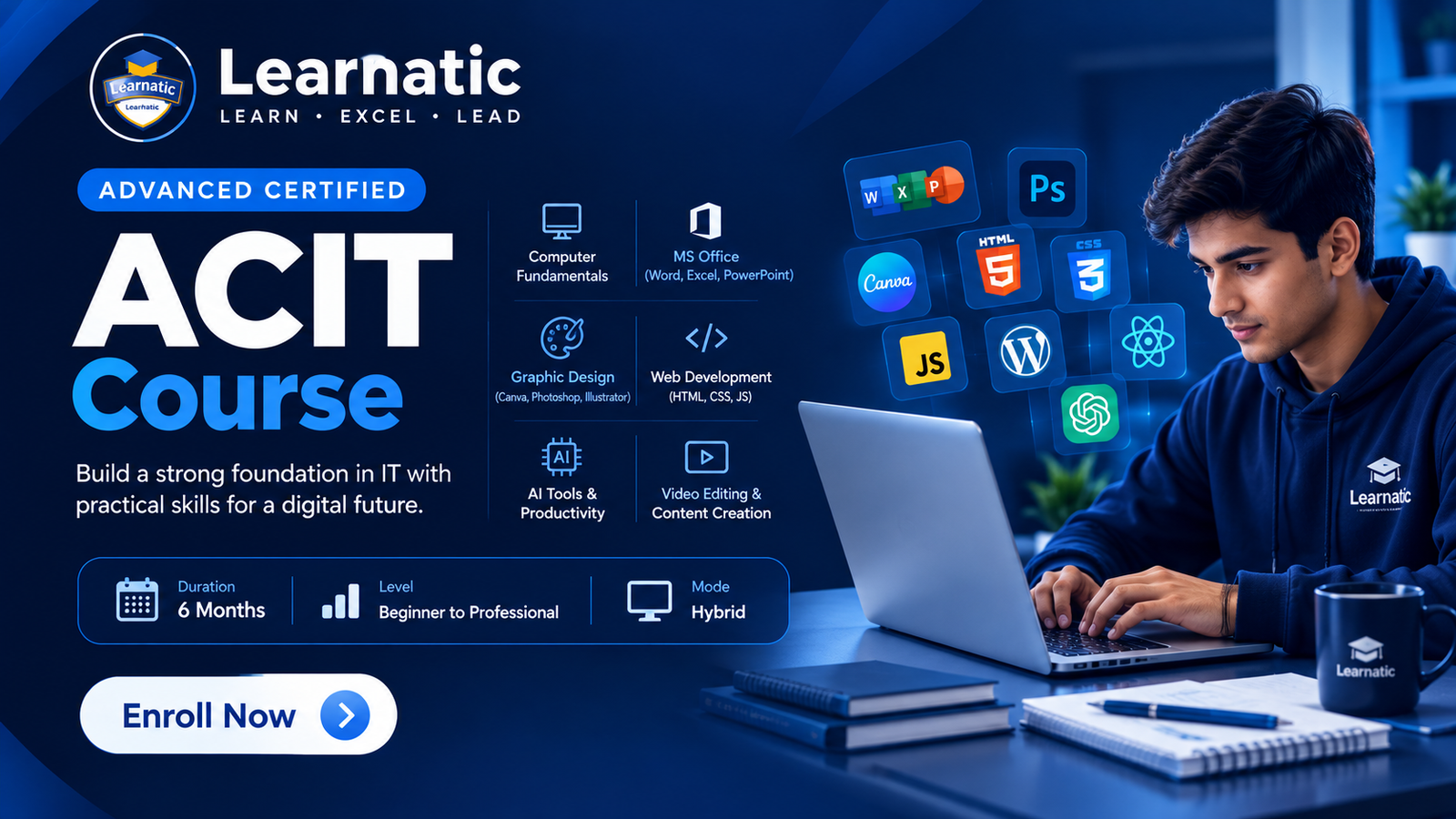
Build a strong foundation in IT with practical training in MS Office, computer fundamentals, graphic design, web development, AI tools, video editing and digital productivity.
About This Course
The Advanced Certified Information Technology (ACIT) Course is a complete computer training program designed to develop practical IT skills, modern digital knowledge and professional computer expertise. The course covers MS Word, MS Excel, MS PowerPoint, computer fundamentals, internet and email, graphic design, web development, AI tools, productivity tools, video editing and content creation. Students receive hands-on assignments, real-world practice and a professional certificate on successful completion.
What You'll Learn
Course Curriculum
7 Modules
- MS Word
- MS Excel
- MS PowerPoint
- Document creation
- Formulas and functions
- Charts and graphs
- Computer basics
- Operating system fundamentals
- File management
- Internet and email
- Online safety
- Typing skills
- Canva designing
- Adobe Photoshop
- Adobe Illustrator
- Poster and banner design
- Social media designs
- HTML5 basics
- CSS3 styling
- Responsive design
- Web page creation
- Mini web projects
- Introduction to AI
- AI tools for productivity
- Smart work hacks
- ChatGPT basics
- AI for students
- AI video creation
- Video editing basics
- CapCut
- Canva video
- Reels and Shorts creation
- Content creation for social media
- Hands-on computer assignments
- MS Office practical tasks
- Graphic design assignments
- Web development mini projects
- AI productivity exercises
- Video and social media content projects
Tools & Technologies
You'll learn and work with these industry-standard tools
Practical Projects
Build real-world projects to showcase in your portfolio
Professional MS Word Documents
Excel Worksheets and Reports
PowerPoint Presentations
Canva Poster Design
Social Media Design Project
Photoshop Design Project
Illustrator Design Project
Responsive HTML & CSS Web Page
AI Productivity Project
AI Video Creation Project
Reels & Shorts Content Project
Final Practical IT Skills Project
Career Opportunities
Unlock your potential with these career paths
The ACIT course develops practical and job-oriented IT skills that can support opportunities in office work, computer operations, data entry, graphic design, web development, freelancing, digital content creation and productivity-focused roles. Career opportunities depend on individual skills, experience, portfolio and employer requirements.
Course Information
Everything you need to know about this course
Your Learning Experience
["100% practical training", "Hands-on assignments", "Real-world applications", "Industry-oriented curriculum", "Experienced trainers", "Small interactive batches", "Practical learning approach", "Latest IT knowledge", "Job-oriented skills", "Career support", "Flexible morning and evening timings", "Professional certificate on successful completion"]
Who Is This Course For?
Before You Start
Basic computer knowledge is helpful but not mandatory. The course is designed to build IT skills from fundamentals, making it suitable for students, job seekers, professionals and beginners.
Frequently Asked Questions
Quick answers about this course at Learnatic
ACIT stands for Advanced Certified Information Technology. It is a complete computer course designed to develop practical IT skills and professional computer knowledge.
You will learn MS Word, MS Excel, MS PowerPoint, computer fundamentals, internet and email, graphic design, web development, AI tools, productivity skills, video editing and content creation.
Yes. The course starts with computer and IT fundamentals and is suitable for students, job seekers, professionals and beginners who want to improve their computer skills.
Yes. MS Word, MS Excel and MS PowerPoint are included, along with document creation, formulas, functions, charts and graphs.
Yes. The course includes Canva, Adobe Photoshop, Adobe Illustrator, poster and banner design and social media design.
Yes. Students learn HTML5, CSS3, responsive design, web page creation and practical mini projects.
Yes. The course includes introduction to AI, AI productivity tools, ChatGPT basics, smart work techniques and AI applications for students.
Yes. Students learn basic video editing, AI video creation, CapCut, Canva video, reels, shorts and social media content creation.
Yes. The course includes hands-on assignments, real-world applications, design projects, web projects, AI exercises and video/content creation projects.
Classes are scheduled 3 days per week. Morning and evening batches are available according to the current schedule.
Yes. Students receive a Learnatic Institute professional certificate upon successful completion of the course.
The poster shows a regular fee structure of Rs. 2,000 admission fee plus Rs. 6,000 monthly fee, a discounted structure of Rs. 1,000 admission fee plus Rs. 4,000 monthly fee, and a Rs. 16,000 lump-sum offer.
Study at Learnatic
Available at North Karachi, Gulshan-e-Iqbal and Virtual Campus
Ready to Start Your Journey?
Enroll now at Learnatic and start building skills for a successful career.
Learn • Excel • Lead